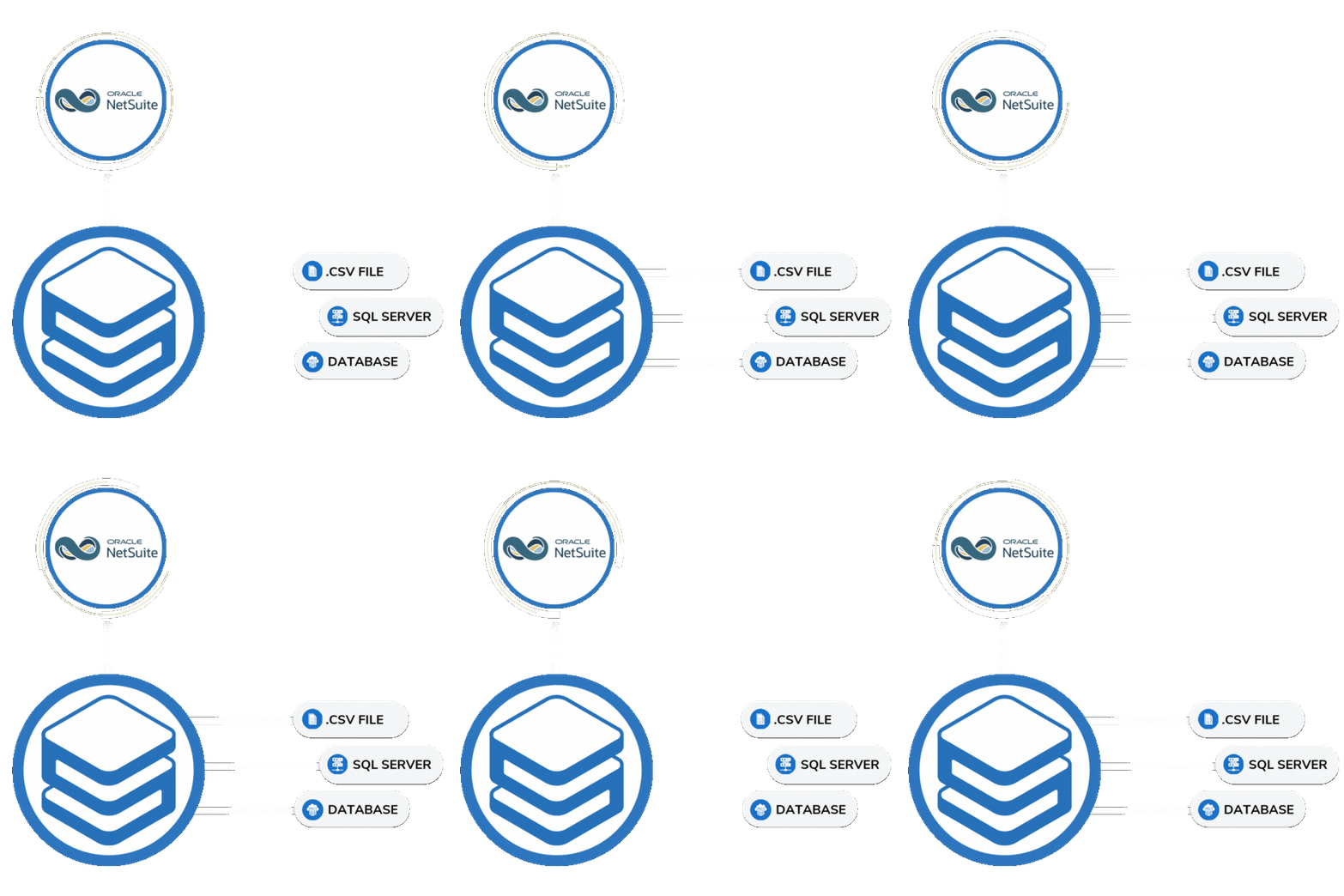
NetSuite limits what you can export and how long you can access it. Sesame Software puts you back in control.

NetSuite Data Export and Archival

Your NetSuite Data. Fully Exported. Always Accessible.

Whether you're retiring NetSuite, switching ERP systems, or need long-term data retention for compliance, Sesame Software extracts your complete data archive with full record count reconciliation. No coding. No data loss.

Common scenario: Your organization is migrating off NetSuite or reducing licenses. Months later, auditors want seven years of transaction history. Without a proper export, that data is gone or locked behind a vendor you no longer pay.

  • Full archive with record count reconciliation — every row verified
  • Export to SQL Server, Snowflake, PostgreSQL, or your own destination
  • Data stays in your infrastructure — never on Sesame's servers
  • Handles complex NetSuite schemas automatically, no manual mapping
30+
Years enterprise expertise
100%
Record count reconciliation
<1 hr
Typical setup time

Talk to a NetSuite Data Expert

Tell us about your situation and we'll walk through exactly how a NetSuite export would work for your environment.

30 minutes · No commitment · Response within 1 business day

SOC 2 Certified
15 Patents
Your data stays yours

When You Need This

Four Reasons IT Teams Come to Sesame

From system migrations to compliance audits, the need to access complete historical NetSuite data comes up more often than most teams expect — and always at the worst time.

ERP Migration or Retirement

Moving to a new ERP and need a complete data snapshot before you turn NetSuite off? Sesame extracts everything with full relational integrity intact — ready to query from day one.

Compliance and Audit Retention

SOX, GDPR, and financial regulations require years of historical records. Get your data into your own storage where you control retention policy and can respond to audits instantly.

License Reduction

Reducing the number of NetSuite seats or modules? Archive historical data first so your team retains full read access to past transactions without ongoing subscription costs.

Analytics and Reporting

Move NetSuite data into Snowflake, SQL Server, or your data warehouse and connect it to your BI tools. Full historical datasets, refreshed on your schedule, without impacting NetSuite performance.

The NetSuite Data Challenge

NetSuite's Export Tools Were Not Built for IT

NetSuite's native CSV exports are manual, limited in scope, and don't preserve relational data structure. For IT managers and enterprise application teams responsible for data governance, that's a real problem.

Sesame Software's purpose-built connectors handle NetSuite's complex schema automatically — pulling transactions, custom fields, subsidiaries, and all associated records into a structured, queryable format.

  • Handles custom fields and custom records automatically
  • Preserves parent-child relationships across all modules
  • Full row count verification so nothing gets missed
  • Incremental refreshes or one-time full archive
  • Works alongside an active NetSuite instance or post-retirement
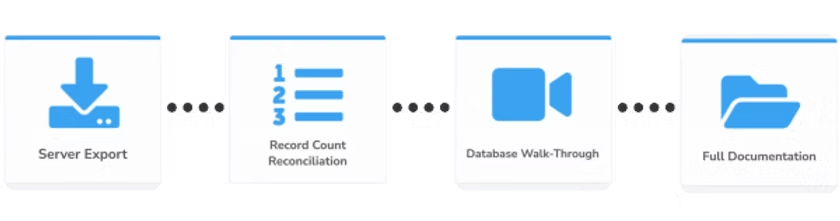
NetSuite data export and archival with Sesame Software

How It Works

NetSuite to Your Destination in Three Steps

Sesame Software handles the complexity of NetSuite's API, schema, and data structure so your team doesn't have to.

NetSuite Your ERP data transactions, records custom fields Sesame Software Auto schema detection Record count reconciliation Relational integrity preserved No coding, no manual mapping SOC 2 certified · 15 patents Your Destination SQL Server / PostgreSQL Snowflake / Redshift Azure SQL / MySQL On-premise or cloud Your infrastructure STEP 1 Connect source STEP 2 Automated extraction STEP 3 Data in your control

What You Get

Built for the Realities of Enterprise NetSuite Environments

NetSuite implementations are complex. Custom fields, custom records, subsidiaries, multi-currency. Sesame handles all of it without bespoke development.

Automatic Schema Detection

Sesame auto-discovers your NetSuite schema including custom fields and custom records. No manual mapping, no data engineering hours. Schema changes update automatically.

Record Count Reconciliation

Every record verified. Sesame performs full row count checks between source and destination so you can prove data completeness to auditors with confidence.

Relational Integrity Preserved

Parent-child relationships are maintained across all records. Transaction headers link to lines. Customers link to orders. Your archive is queryable, not just a flat dump.

20+ Destination Connectors

Export to SQL Server, PostgreSQL, MySQL, Snowflake, AWS Redshift, Azure SQL, Google Cloud, and more. On-premise or cloud — your choice, your infrastructure.

One-Time or Ongoing Sync

Run a one-time full archive before decommissioning, or set up incremental refreshes to keep a live replica for analytics. Either way, setup takes under an hour.

Compliance-Ready Audit Trail

Every extraction job is logged with timestamps and record counts. Built-in monitoring gives your compliance team the documentation they need without additional tooling.

Getting Started

Up and Running in Under an Hour

No dev resources needed. No professional services engagement. Three steps to a complete NetSuite data archive.

01

Connect to NetSuite

Provide your NetSuite credentials. Sesame auto-discovers your schema, modules, custom fields, and data structure. No manual configuration, no data mapping required.

02

Choose Your Destination

Select your target database or cloud warehouse. Sesame creates the schema automatically and handles all data type conversions. On-premise or cloud, your call.

03

Extract and Verify

Sesame runs the full extraction with built-in record count reconciliation. Every row verified. Your complete NetSuite archive is ready to query, report on, and retain.

NetSuite data export in action

Automated NetSuite extraction running in real time

100%
Record count reconciliation
30+
Years of enterprise expertise
20+
Destination connectors
15
Patents, proprietary technology

What Our Customers Say

Trusted by Enterprise Teams for Legacy ERP Archival

Sesame Software
G2 VERIFIED REVIEW
Customer Review
"Exceptional Partner for Legacy ERP Data Archival"

"We recently needed to retire a legacy ERP system while still preserving its data for historical reference and legal retention requirements. We selected Sesame Software to support this initiative, and the experience was exceptional.

Despite a tight project timeline, the Sesame Software team went above and beyond to allocate the necessary resources and ensure the work was completed on schedule and within budget. Our internal teams were very pleased with both the accuracy of the data and the level of service provided.

Sesame Software has proven to be a highly professional and collaborative partner. Based on our experience, we will certainly consider them for future legacy system retirements where data migration and archival solutions are required."

SE
Susann E.
Senior IS Integration Analyst · Enterprise (>1,000 employees)
April 6, 2026
Verified on G2

Recognized by the People Who Use Us

Rated by Real Users on G2

Enterprise IT teams consistently rate Sesame Software for best support, highest user adoption, and implementation quality.

Read our reviews on G2 →

Already Using Sesame Software for Salesforce?

Add NetSuite. Get a Unified View Across Both Systems.

Most enterprise teams run Salesforce for CRM and NetSuite for ERP — but reporting across both means manual exports, mismatched data, and analysts reconciling spreadsheets instead of answering real questions. Sesame Software replicates both Salesforce and NetSuite into the same destination database or data warehouse. Once both datasets are in one place, your reporting and analytics tools have a single, current, trusted source — no direct integration between the two systems required.

One Destination. Both Systems.

Replicate Salesforce into your warehouse. Replicate NetSuite into the same warehouse. Your BI tools, reporting dashboards, and analytics queries now run against a single database that reflects both systems — current, relational, and yours.

No Manual Reconciliation

When your Salesforce revenue data and your NetSuite financial data live in separate systems, reconciliation is a recurring manual task. With both replicated into one destination on the same schedule, the numbers align automatically — no spreadsheet exports, no mismatched periods.

One Vendor. One Contract.

If you're already running Sesame Software for Salesforce replication, adding NetSuite is an expansion of the same platform — not a second vendor, second contract, or second implementation. Your team already knows how it works.

Common Questions

Frequently Asked Questions

How does Sesame Software support unified business intelligence across Salesforce and NetSuite?

Sesame Software supports unified business intelligence across Salesforce and NetSuite by replicating both systems into the same destination database or data warehouse — giving your reporting tools, analytics dashboards, and BI platforms a single, current, trusted source of business data. Sesame Software replicates Salesforce CRM data and NetSuite ERP data independently into one destination, where they can be joined, analyzed, and reported on together. This eliminates the manual reconciliation that happens when CRM and ERP data live in separate systems and enables a 360-degree business data view without requiring a direct integration between Salesforce and NetSuite. For mid-market enterprises with both systems, it's a practical path to unified business intelligence using a platform your team already manages.

Can Sesame Software replicate both Salesforce and NetSuite into the same database?

Yes. Sesame Software replicates both Salesforce and NetSuite into a single destination — whether that's Snowflake, SQL Server, PostgreSQL, Oracle, or another database. Each system is replicated independently using Sesame Software's automated replication platform, and both land in the same destination where your analytics and reporting tools can query across them together. If you're already using Sesame Software for Salesforce data synchronization, adding NetSuite is an expansion of the same platform — one vendor, one contract, one support relationship — not a separate implementation.

Don't Leave Your NetSuite Data Behind

Whether you're retiring NetSuite next month or planning ahead for compliance, the time to archive is before you need it. Get your data out clean, complete, and in your control.

Get a Free NetSuite Demo → 30 minutes · No commitment · Trusted by enterprise IT teams worldwide including Procter & Gamble and the U.S. Government.